 NightIn

How to watch Paramount+ together
- Add NightIn to Chrome (or Edge). Your partner adds it too.
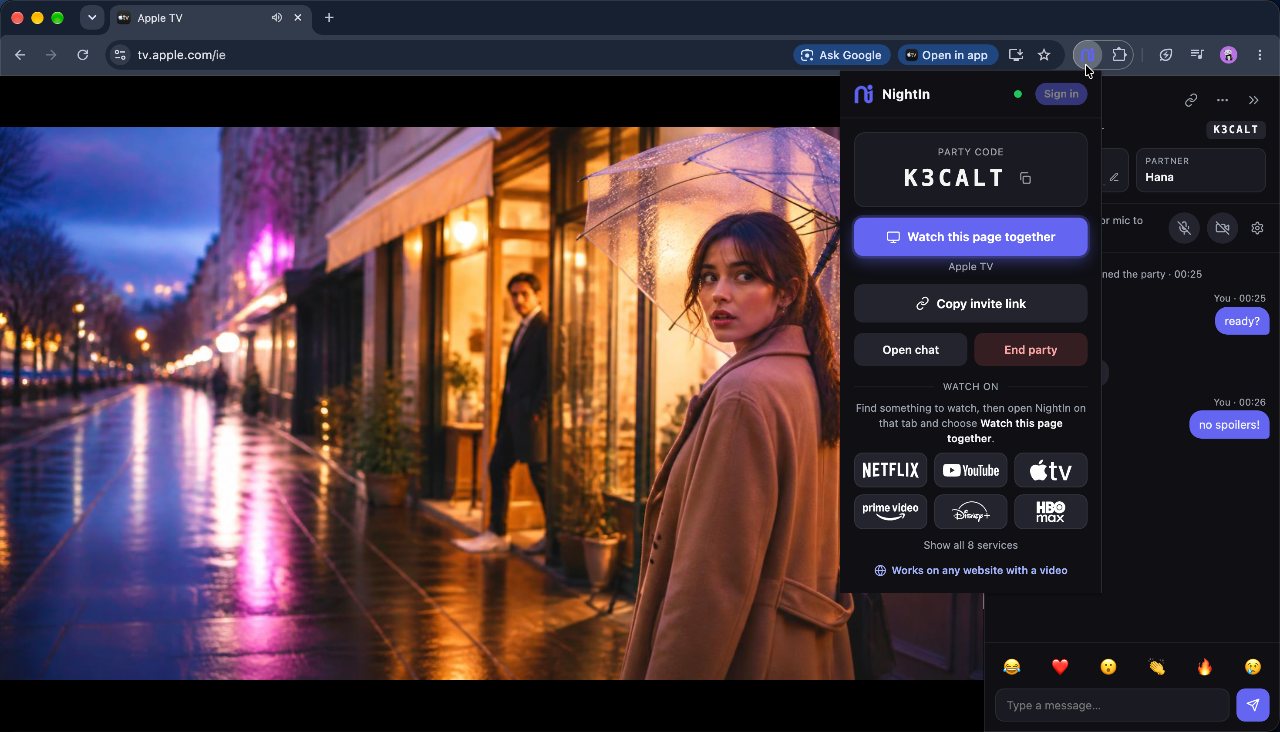
- Open Paramount+ and press Start a NightIn party, the purple button next to Watch on a show's or movie's page, or on an episode's card when you point at it. The episode starts and so does the party. (Already playing? Click the NightIn icon and press Start a party.)
- Copy the invite link and send it.
- Your partner opens the link and lands on the same movie or episode, already in the party.
Each of you needs your own Paramount+ and to be signed in on paramountplus.com, and the title has to be available in both your countries. If something doesn't stay in sync, tell us at nightin-support@stormra.com.
What you get
- Start from the Watch button. Start a NightIn party sits next to Paramount+'s Watch and on episode cards, so a party is one click away. In a party it says Watch this together and offers the title to your partner.
- Ads waited out, even different ones. Paramount+ gives each of you your own ads, so a break can be longer for one of you. NightIn follows the show's own clock: whoever is done first waits, with a clear note, and you carry on from the same moment.
- A free camera & mic call and chat beside the show, also in fullscreen.

Questions
Is it free to host a Paramount+ watch party?
Yes. Hosting and joining are free on every service NightIn supports, Paramount+ included, and so is the video call.
Do we both need Paramount+?
Yes. Each of you streams from your own Paramount+ account; NightIn only keeps the two players in sync. Your plans don't have to match: one of you can have ads and the other not.
What happens when one of us gets ads?
The other one waits. Paramount+ gives each person their own ads, so one break can be longer for you than for your partner. Whoever finishes first is paused with a note saying the other is still watching ads, and you both carry on from the same moment.
Does it work in the Paramount+ app or on a TV?
No. NightIn works on the Paramount+ website (paramountplus.com) in Chrome or Microsoft Edge on a computer, not in the Paramount+ app, on a phone or on a TV.
Do we both need NightIn?
Yes, both of you need NightIn in Chrome or Microsoft Edge on a computer. If your partner doesn't have it yet, the invite link shows them how to add it in a few seconds.
How many people can watch together?
Two for now: NightIn is made for watching with one special person, like a partner far away or a best friend. Bigger parties are on the way.